Use cases  /  Make the content
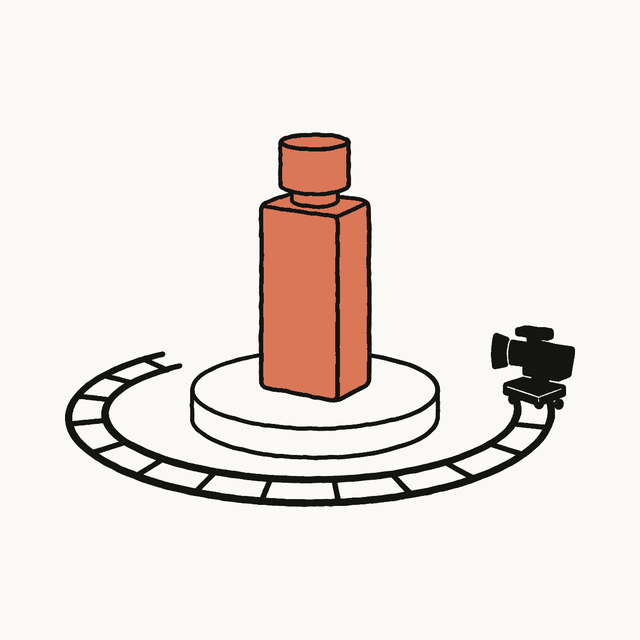
Shoot a product film without a camera crew illustration

Shoot a product film without a camera crew

Turn approved product references into a short cinematic film built from deliberate camera moves, lighting changes, material detail, and a clear reveal rather than creator dialogue.

Try in Claude
Works with Claude ยท eComrads

Video work can move through Seedance 2.0, Kling 3.0, Veo 3.1, or Gemini Omni Flash for AI video editing and reference-to-video; image work can use GPT Image 2, Nano Banana Pro, Nano Banana 2, or Seedream 5.0 Pro.
Run /plugin marketplace add Claudeforecommerce/claude-for-ecommerce then /plugin install claude-for-ugc@ecomrads. Use the plugin download if needed, then connect Claude to the engine.

1

Set the creative job

Turn approved product references into a short cinematic film built from deliberate camera moves, lighting changes, material detail, and a clear reveal rather than creator dialogue.

Create a short product film for [product] using these approved references. Build the sequence around [mood], [material detail], and [final reveal]. Specify the light and camera move for each shot, then generate only the directions I approve.

Ask Claude
2

Bring the working context

  • Accurate product images, dimensions, materials, finish, and details that must stay unchanged
  • The intended mood, environment, pacing, and examples of camera or lighting treatment
  • The target format, runtime, shot count, and final product moment the sequence should earn
3

Review what Claude does

  • Translates mood words into specific light, lens distance, movement, surface, and pacing choices
  • Plans a compact shot sequence that moves from detail to recognition to final reveal
  • Uses Seedance 2.0 or Veo 3.1 to generate the approved product shots
  • Reviews continuity, product fidelity, motion coherence, and edit rhythm before final assembly
What you get

A cinematic shot plan, generated product footage, and an edit sequence with a clear visual build.

Ready to make it?

Open the brief in Claude, approve the direction, and produce the creative through the connected engine.

Questions creators ask

Can AI make a cinematic product film from still references?

Yes. Approved references can guide a compact film built around light, material detail, camera movement, and a final reveal. The brief should translate mood into specific shot choices and keep product shape, finish, and identifying details under review throughout production.

What context should I bring first?

Start with accurate product images, dimensions, materials, finish, and details that must stay unchanged. Then add the intended mood, environment, pacing, and examples of camera or lighting treatment.

Where does the eComrads engine fit?

Video work can move through Seedance 2.0, Kling 3.0, Veo 3.1, or Gemini Omni Flash for AI video editing and reference-to-video; image work can use GPT Image 2, Nano Banana Pro, Nano Banana 2, or Seedream 5.0 Pro. Run /plugin marketplace add Claudeforecommerce/claude-for-ecommerce then /plugin install claude-for-ugc@ecomrads. If needed, use https://claudeugc.com/downloads/claude-for-ugc.plugin. Connect Claude at https://mcp.ecomrads.com/mcp.